

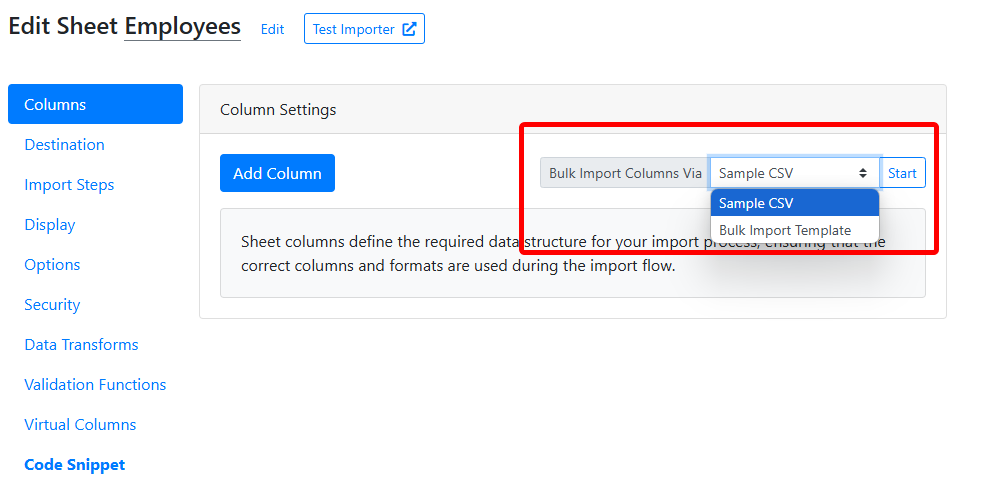
Using a sample CSV file
Upload any sample CSV or Excel file you already have. CSVbox automatically extracts the column headers from your file and creates corresponding columns in your sheet, and AI attempts to detect column types based on the data. You can always review and modify the columns afterward.Using the bulk import template
For more control over column setup, use the predefined CSV template. Download the template, fill it with column info, and upload it back. Columns are created based on the data you provide. The template supports the following fields:Bulk Import Template
Download the CSV template.